Building a software application becomes much more interesting when its individual features need to work together.
A patient books an appointment. A receptionist checks them in. A doctor records the consultation and prepares a prescription. The visit then moves into billing. Each step depends on information created somewhere else in the system.
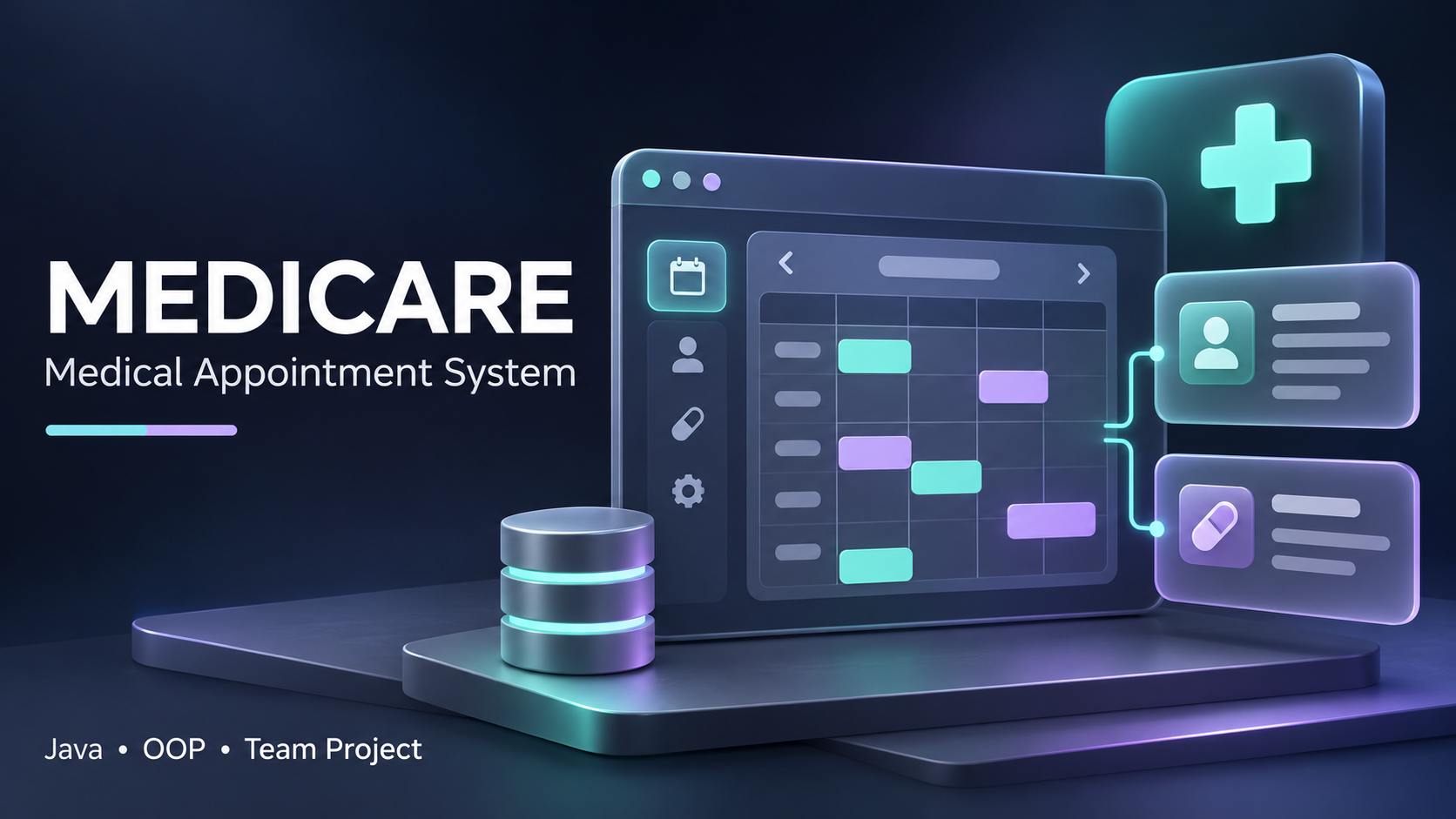
Medicare brings these connected workflows into a medical appointment and clinic-management web application. Developed as a group project for our SE1020 Object Oriented Programming coursework, it gave us an opportunity to explore how Java, object-oriented design, databases, and web interfaces fit together in one application.
For me, the project represents an important step in moving from individual programming exercises toward understanding a larger software system.
Understanding the Problem
Managing appointments involves more than choosing a date and time. A clinic also needs to organize patient information, maintain doctor availability, record consultation details, and handle the financial side of a visit.
When these activities are treated as separate tasks, it becomes harder to follow the complete journey of a patient.
Our project explores how a shared application can connect these activities. Medicare includes workflows for patients, reception staff, doctors, and administrators, with different responsibilities for each role.
The goal was to apply our coursework to a practical setting while learning how to organize a system with several related modules. Explore the project overview on GitHub.
Following the Patient Journey
One useful way to understand Medicare is to follow an appointment through the application.
The journey begins when a patient views available doctors and sessions. After an appointment is booked, it can move through check-in, consultation, and completion. Medical records and billing connect to that journey rather than existing as unrelated information.
The documented appointment states include:
- Booked: An appointment has been reserved.
- Checked in: The patient has arrived.
- In consultation: The doctor has started the visit.
- Completed: The consultation has finished.
- Cancelled or no-show: The appointment did not proceed as planned.
Thinking about these states makes the workflow easier to reason about. An appointment is more than a database record—it has a lifecycle, and actions should make sense within that lifecycle.
For example, a completed consultation should connect to its clinical record, while a cancelled appointment should no longer reserve the same slot. View the workflow and UML diagrams.
The Main Features
Patient Management and Self-Service
The patient side of Medicare includes registration, viewing available appointments, booking, cancellation, and notifications.
On the staff side, patient management provides the foundation for other modules. Appointments, medical records, and billing all need a clear connection to the correct patient.
This illustrates an important software-design principle: the quality of a workflow depends on how consistently its underlying information is organized.
Doctor Information and Scheduling
Doctor management connects professional information with published availability. A booking system needs to understand both who a doctor is and when that doctor can receive appointments.
The project separates doctor-related information from appointment workflows while allowing the two areas to interact.
Appointment and Visit Workflows
The appointment module connects patients, doctors, dates, slots, and visit status. Beyond the initial booking, it also represents what happens afterward, including check-in and consultation.
This provides a useful setting for exploring how service logic can coordinate several parts of an application without placing every responsibility inside a single class.
Medical Records and Prescriptions
Medical records connect the consultation to its clinical information, including diagnosis, notes, and prescriptions.
The project’s design relates these records to patients, doctors, and appointments. This establishes the context of a record rather than treating it as an isolated piece of text. The repository also documents prescription-output functionality as part of this area.
Billing and Notifications
Billing follows the clinical workflow and includes invoice-related information, charges, payment updates, and insurance-related features.
Notifications connect an action to the people affected by it. For example, a booking can produce a saved notification for the patient.
Together, these modules demonstrate why integration matters: completing one action may need to update information used by another part of the application.
Administration and Integration
The administration area includes staff accounts, user management, dashboard functionality, and audit logs. It also supports the connections between modules.
These are features of the team’s shared coursework application, rather than claims that any single member built the entire system. Read the project documentation.
Our Technology Stack
Medicare uses a Java-based web stack:
| Technology | Purpose |
|---|---|
| Java 11 | Application models and business logic |
| JSP | Server-rendered web pages |
| Java Servlets | Handling web requests |
| JDBC | Accessing database information |
| MySQL | Relational database storage |
| HTML, CSS, and JavaScript | Web interface |
| Maven | Project build and dependency management |
| Apache Tomcat 9 | Running the web application |
The repository includes both file-based and MySQL storage implementations. Its documented default configuration uses file storage, with separate guidance for database setup.
This distinction matters when setting up the application: the presence of a MySQL implementation does not mean every local demonstration automatically uses the database. See the setup instructions.
Applying Object-Oriented Programming
The project gave us a practical context for working with object-oriented concepts.
Medicare’s documented structure separates models, services, data-access objects, and servlets. Each layer has a different responsibility.
Models represent information such as patients, doctors, appointments, records, and bills. Services coordinate application behavior. Data-access objects handle storage operations, while servlets connect incoming web requests to the relevant logic.
For example, displaying an appointment form is different from checking availability, and checking availability is different from saving the resulting booking. Keeping these concerns distinct makes the application easier to navigate and discuss.
The class diagrams also illustrate inheritance and interface-based storage implementations. These concepts become easier to understand when they support a concrete application rather than appearing only in a small example.
My Assigned Area: Medical Records and Prescriptions
My documented responsibility within the team was Medical Records and Prescriptions.
This area connects closely to the consultation workflow. It involves understanding how clinical information relates to a patient, the relevant doctor, and the appointment during which the information was recorded.
It is also an example of why module boundaries cannot be treated as walls. Medical records need information from other parts of the application, and the wider visit workflow depends on those records being handled consistently.
Working within a group project encourages a broader view of software: understanding your own area is important, but so is understanding the information it receives and the behavior other modules expect from it.
The team documentation records responsibilities and contribution information separately. View the team contribution documentation.
Recognizing the Team
Medicare was a shared effort. Each module addressed a different part of the application, and the overall system depended on those parts fitting together.
Our documented team responsibilities were:
| Team member | Assigned responsibility |
|---|---|
| Ambegoda S.P | Patient Management |
| Akalanka K.K.G.K | Doctor and Schedule Management |
| Wickramasinghe V.I. | Appointment and Visit Workflow |
| Dimath A.M.S — Shiron Dimath | Medical Records and Prescriptions |
| Sadewma T. M. | Billing and Notifications |
| Dharmarathna L. A. L. S. | Admin, Dashboard and Integration |
A sincere thank you to Ambegoda S.P, Akalanka K.K.G.K, Wickramasinghe V.I., Sadewma T. M., and Dharmarathna L. A. L. S. for being part of this project and contributing to our shared work.
I appreciate the effort each teammate brought to their area and to bringing the application together. A project like this is an opportunity to learn from one another, understand different approaches, and take responsibility for work that affects the whole team.
The application represents a collective effort. Everyone deserves recognition for their part in that journey. Explore the team responsibilities and contribution records.
What This Project Helped Me Understand
One of the most valuable aspects of Medicare is the connection between individual programming decisions and the behavior of the whole application.
A model needs to represent its information clearly. A service needs to coordinate the right operations. A storage implementation needs to preserve the expected relationships. The interface then needs to make those capabilities understandable to the person using it.
The project is also a reminder that software development involves more than writing features. Documentation, integration, testing, and explaining design choices are all part of making a system understandable.
For someone developing an interest in AI and data science, these software-engineering foundations are valuable. Intelligent features still need reliable applications around them: clear data structures, sensible workflows, and interfaces that people can use.
Opportunities for Future Development
There are several directions I would be interested in exploring as the project develops further:
- Improving accessibility and usability across patient and staff screens.
- Expanding automated checks around connected workflows.
- Making local setup and demonstration easier for new contributors.
- Exploring appointment and clinic activity reports using suitable demonstration data.
- Reviewing validation, access controls, and operational requirements before considering broader deployment.
These are potential next steps, rather than features being presented as already completed.
Explore Medicare
The GitHub repository includes the application source, setup guidance, UML diagrams, module documentation, and supplied test reports.
View the Medicare project on GitHub →
Medicare is an academic group project and a practical milestone in our learning. It gave us a shared setting for applying object-oriented programming and understanding how connected software modules form a larger application.
Thank you again to my teammates for being part of that experience.
This article describes the project’s documented features and team responsibilities. Medicare is presented as coursework, not as a production healthcare deployment.